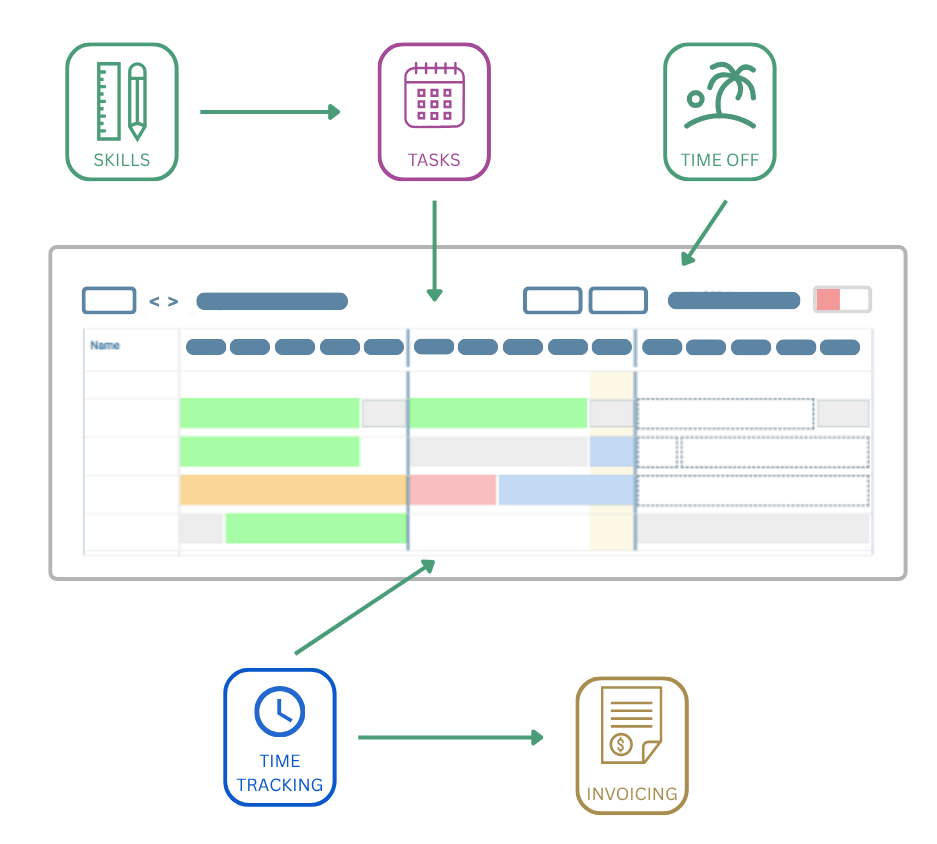
At fflow, we believe in sharing data in many places. Different roles will prefer different views, but the underlying information should be the same. Here are just a few of the ways we join the dots.
- Use your knowledge of skills and the tasks that need doing to plan who will work on what. You can optionally set up skills and templates to populate a project schedule with a single click
- Your team plan their time off in the same schedule, so you automatically know who is away
- Your team track their time in the same schedule. This automatically updates status, so you can see at once how things are going
- And, the time tracking data will be populated automatically next time you create an invoice